

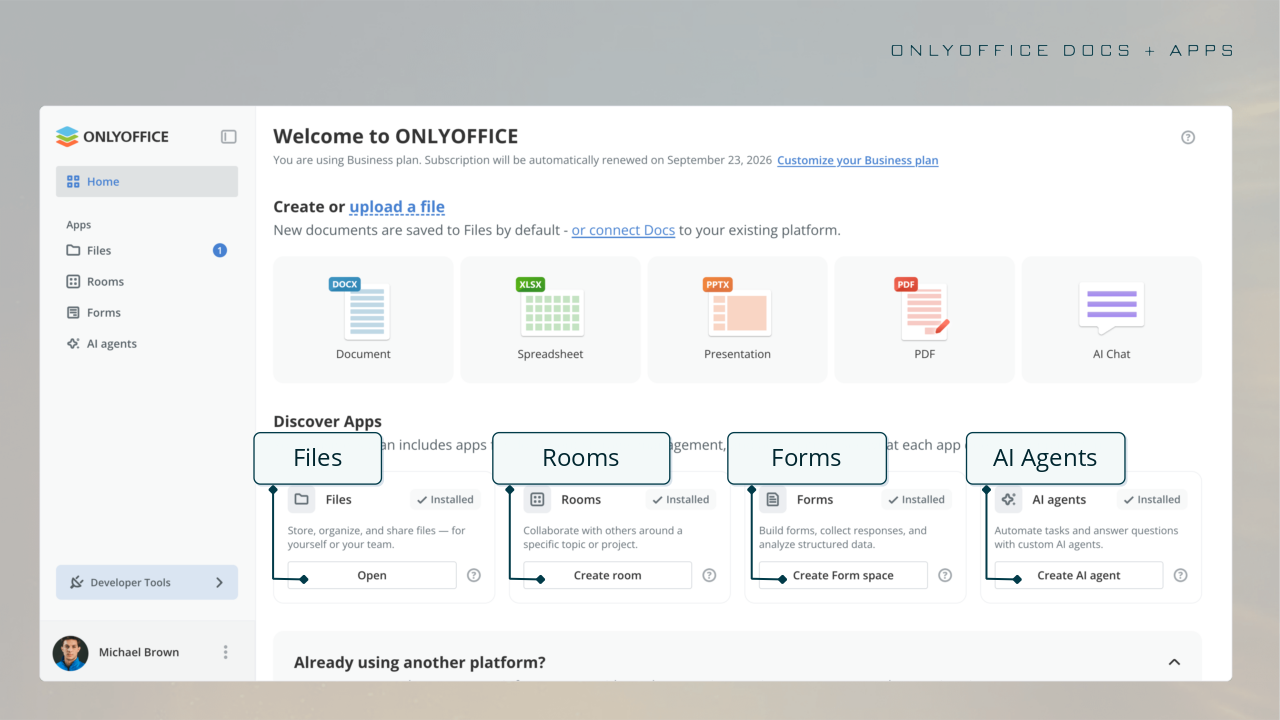
ONLYOFFICE Docs 10.0 is out. The server release v10.0.0 went up on 12 October with .deb, .rpm and .exe packages on GitHub and Docker tags 10.0.0, 10.0 and latest, two days after the blog said self-hosted builds would come “a little later.” The blog’s count: “around 50 new features, more than 1,000 bug fixes, and about 35 fixed vulnerabilities.” The changelog’s security section runs to 43 fixed items. The headline themes are AI tools and “modular apps” (AI agents, Forms, Rooms, Files). For an operator, the first read is the back-end section.
The back-end behavior changes
JWT is on by default in default.json. ipfilter rules are now required for WOPI, and allow: * no longer covers the host; it must be named explicitly. /converter, /docbuilder and /command no longer take a token from the editor configuration; the token gains an operation field, required for the upload endpoints /converter/from-file and /docbuilder/from-file. Two new switches, docbuilderEnable and convertServiceEnable, can turn the public Document Builder and converter APIs off; both are on by default. Integrity checks on downloaded files (checksumVerification) are on by default when the integrator sends the headers. Only the log4js logging level can be changed through runtime.json now, and the separate changes2forgotten script is gone; changes are restored to forgotten at shutdown.
The security section
The section’s count includes hardening items like the OpenSSL bundle and the Docker image fixes; the blog’s own number is “about 35” vulnerabilities. The sharpest entries touch WOPI, the surface integrations use: co-editing session hijacking, SSRF in WOPI endpoints, a token for an anonymous WOPI convert-and-edit request accepted by Document Builder, and a path traversal in the WOPI template handler that disclosed server configuration. Elsewhere: privilege escalation via the documentserver-flush-cache script, arbitrary file write when extracting archives during conversion, a macro sandbox bypass with cookie access, OS file access via native.GetFileBinary, embedded JavaScript in PDFs, and XSS fixes reaching the hyperlinks in DOCX files and the AI assistant name field.
AI moves out of the open-source build
“In response to user feedback, we’ve removed built-in AI from the open-source versions. AI tools are installed separately,” the blog’s availability note reads. On server builds, the post says you can “connect any AI model, including local models for privacy-sensitive use cases,” with a default model and per-task assignments. One caveat: quick AI actions and AI assistants are currently available only in the document editor. A new editorConfig.customization.ai.disabled parameter turns the AI tools off.
My read
The features sell a release like this one; the behavior changes are what the upgrade costs you. JWT on by default, hosts that must be named, tokens that no longer come from the editor configuration: read those before upgrading. The AI work leaving the open-source build fits this audience; the model choice is yours. The 43 fixes, WOPI session hijacking among them, are the reason not to put it off.
Source: the 10.0 announcement, the v10.0.0 release, the changelog and the Docker tags.